
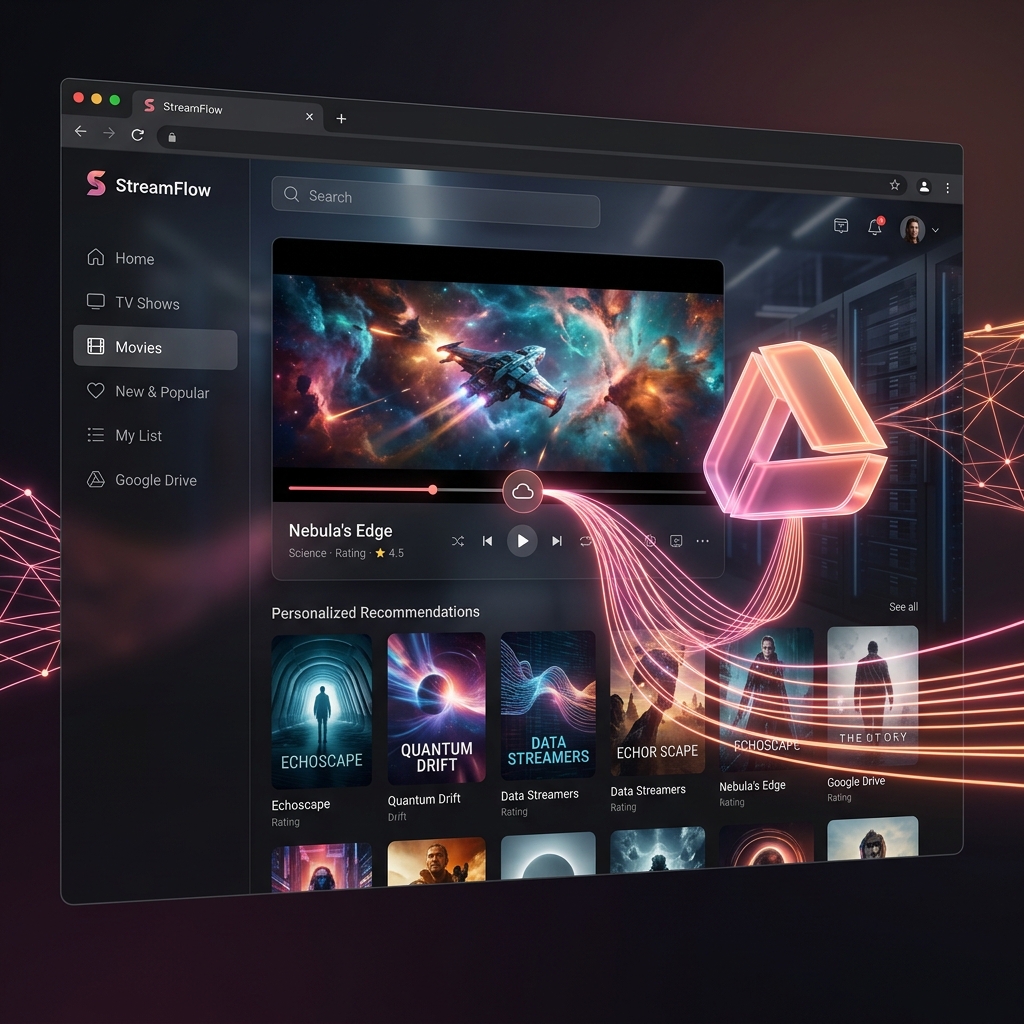
Have you ever been frustrated when you have tons of videos or movie files saved in your Google Drive, but sharing or watching them feels so boring? Sending a plain Google Drive link to your friends and making them scroll through endless lists of files isn't exactly the most premium experience.
Today, I’m going to show you a ridiculously simple way to turn that boring Google Drive space into your very own "Private Video Streaming Website" that looks and feels exactly like Netflix! Best part? It's 100% free and you don't have to pay for expensive server hosting.
No coding required. No programming skills needed. Let's dive right in! 🍿
Step 1: Prep your videos in Google Drive
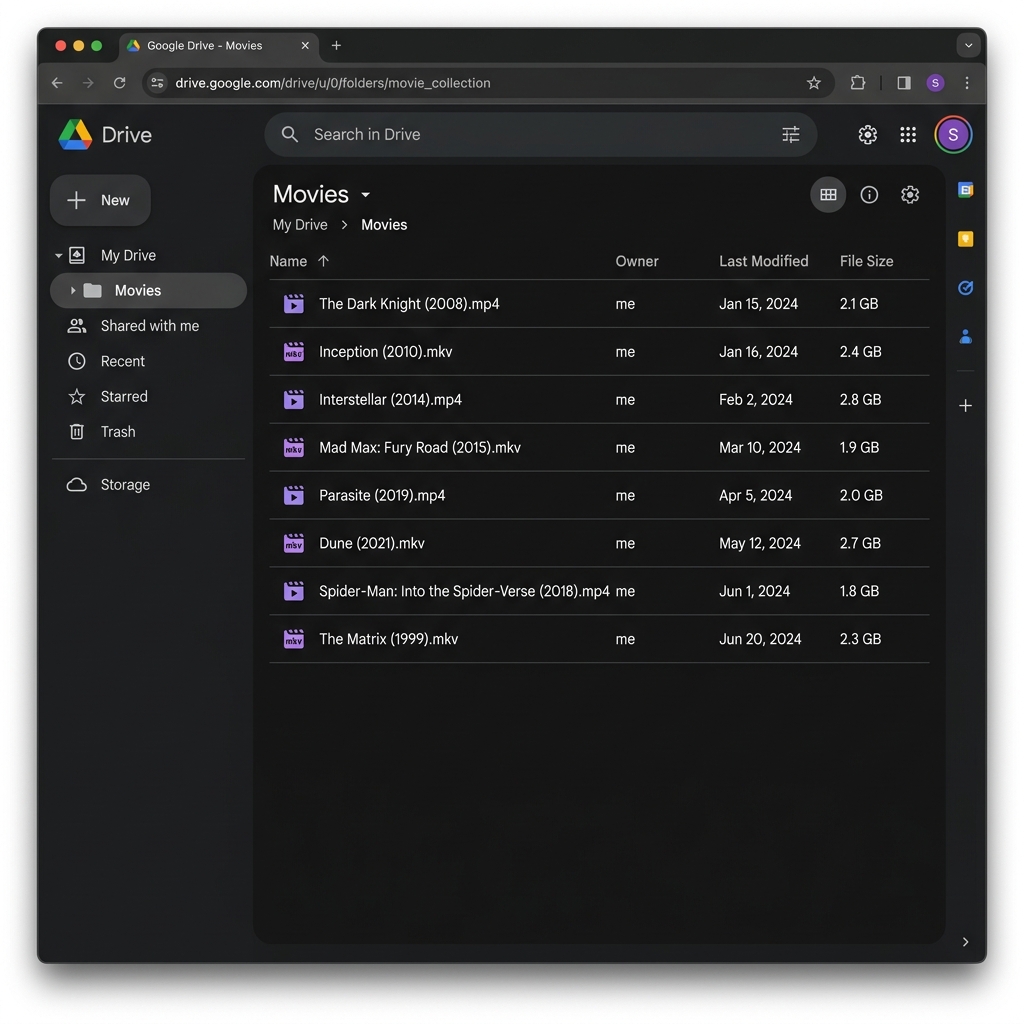
First, log into your regular Google Drive account. Create a new folder (you can name it My Movies or Vlogs 2026), and simply drag and drop your video files (.mp4, .mkv) right into it.
Pro Tip for Beautiful Posters: When naming your files, try adding the release year at the end, like "The Dark Knight (2008).mp4". Our smart system will automatically pull a beautiful, high-quality movie poster for you!
Step 2: Connect the worlds with one click
Now it's time to connect your Drive to the streaming platform. Go to the UFlix website and head to the login page. You'll see a screen that looks like this:
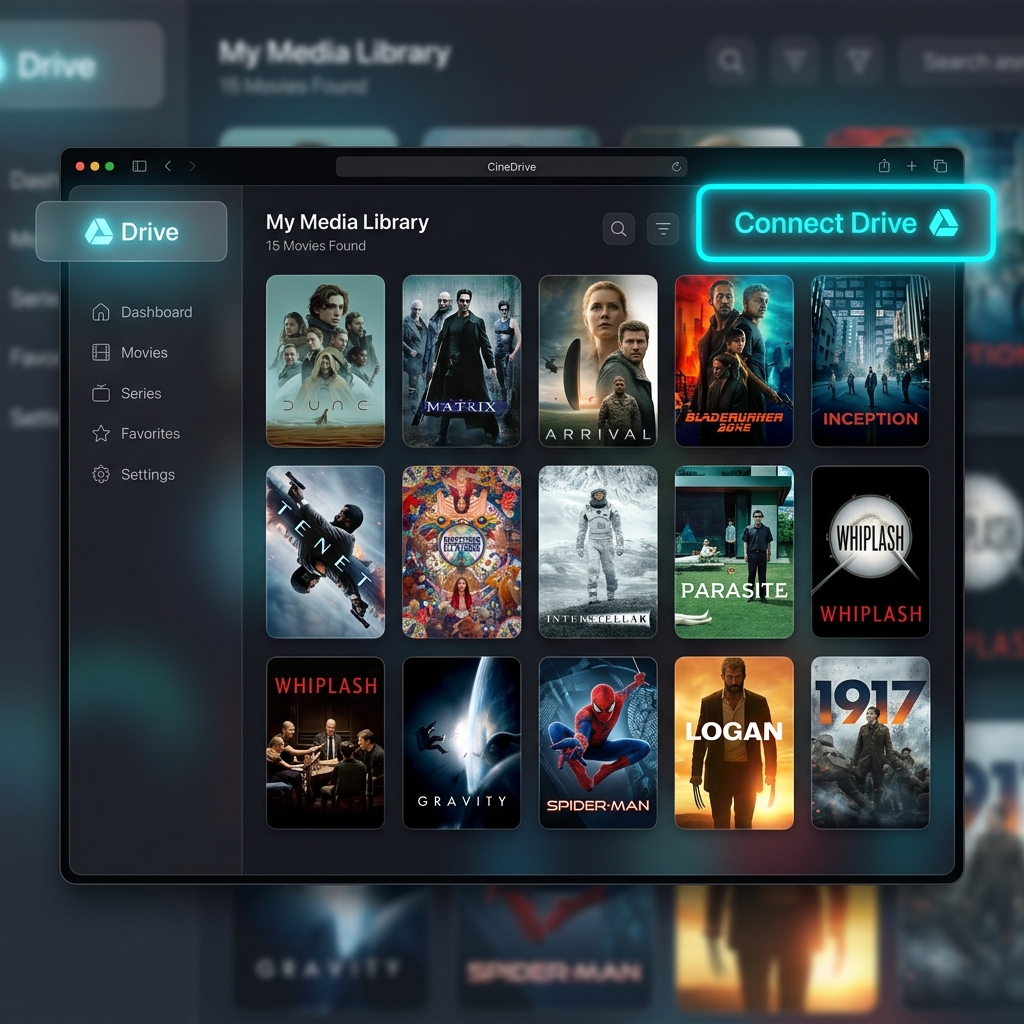
See that big, glowing "Connect Drive" button? Go ahead and click it! (And don't worry about security—the system only asks for "read-only" permission for your video files. It cannot delete anything or access your private documents.)
Step 3: Enjoy the Netflix Experience
Blink and you might miss it... Ta-da! 🎉 Your ordinary video folder has just been transformed into a luxurious movie library, ready to be streamed instantly.
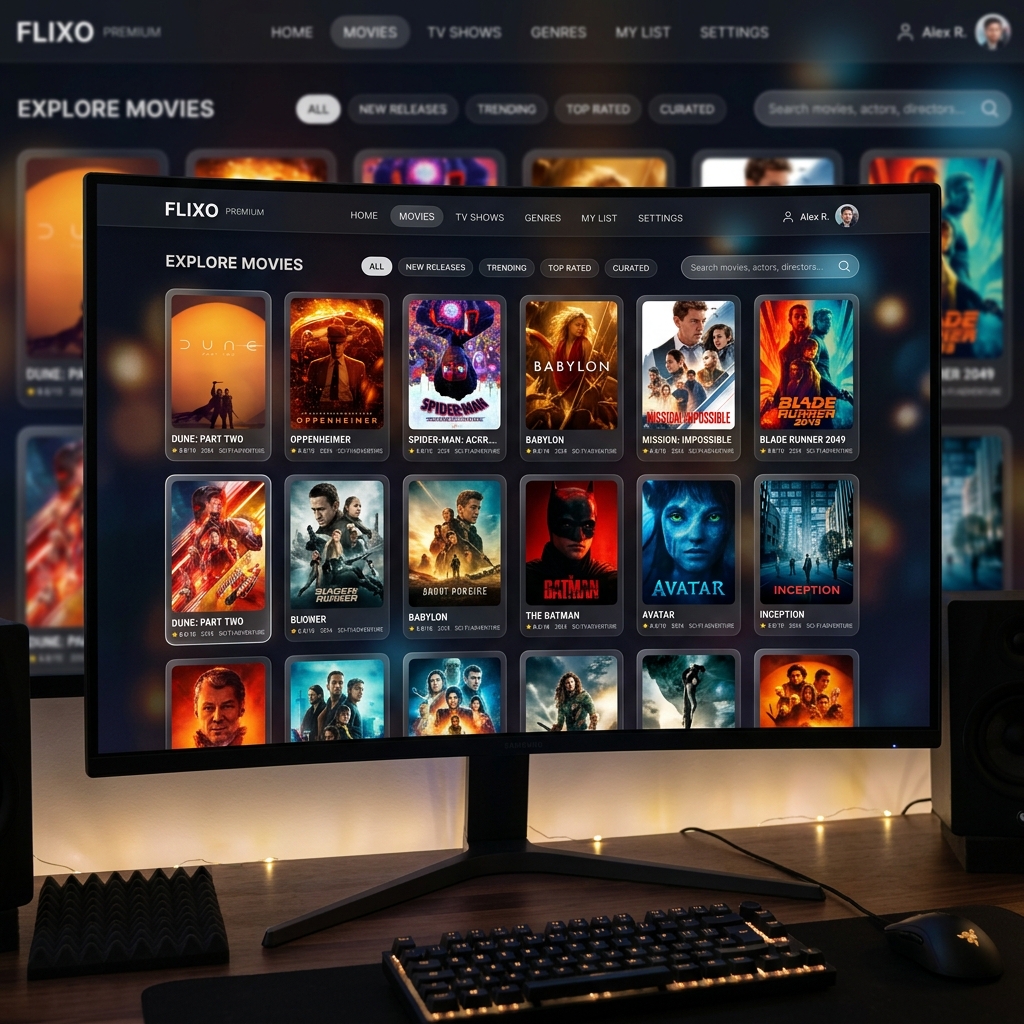
Your videos will stream directly on the web interface without buffering. No need to download any extra apps—it works perfectly whether you're watching on your phone or your computer screen in stunning quality.
What are you waiting for? Grab some popcorn and go turn your Google Drive into a premium streaming experience today! 👇