
Make your personal movie cloud look premium by editing video titles, changing cover images, and cleaning up your library.
1. Why Organize Your Library?
Uploading personal videos often results in messy filenames like VID_20230501_102030.mp4 and blank cover images. As your collection grows, finding a specific memory becomes impossible. Organizing your files not only saves time but transforms your library into a premium gallery.
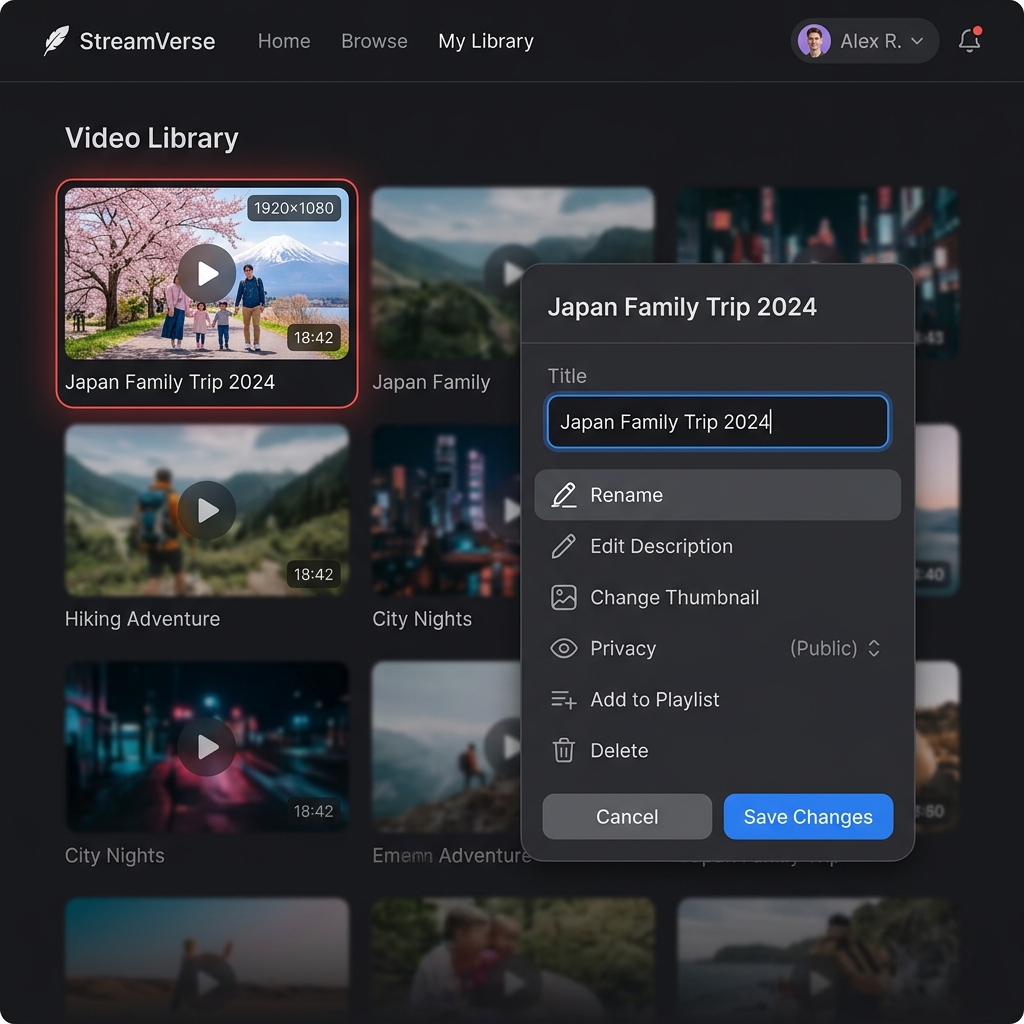
2. Step-by-Step Management Guide
Editing Video Titles:
- Go to your UFlix video library.
- Click the Options (three dots) button on a video.
- Select Edit Title.
- Type a clear name (e.g., "Japan Family Trip 2024") and hit save.
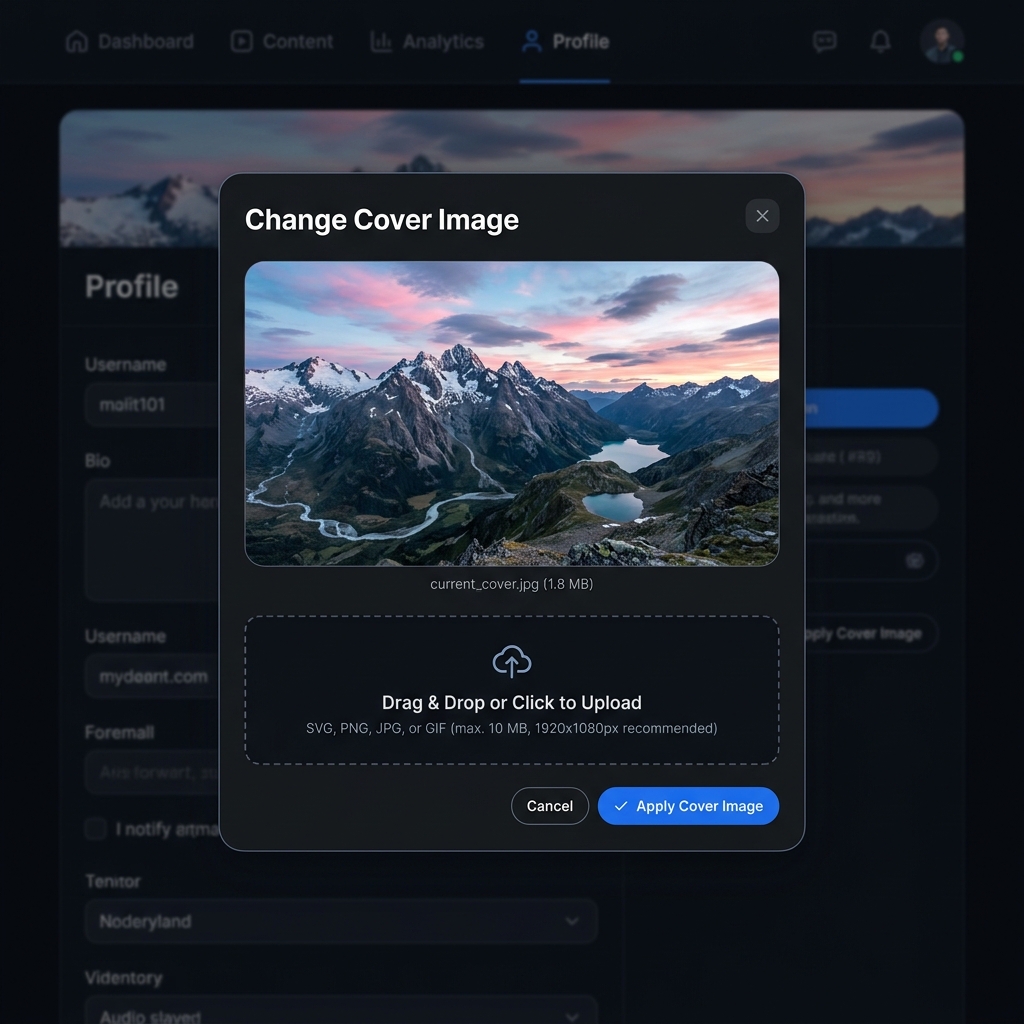
Changing Cover Images: Make your video visually recognizable:
- In the same options menu, click Change Cover.
- Upload a new image from your device (16:9 landscape works best).
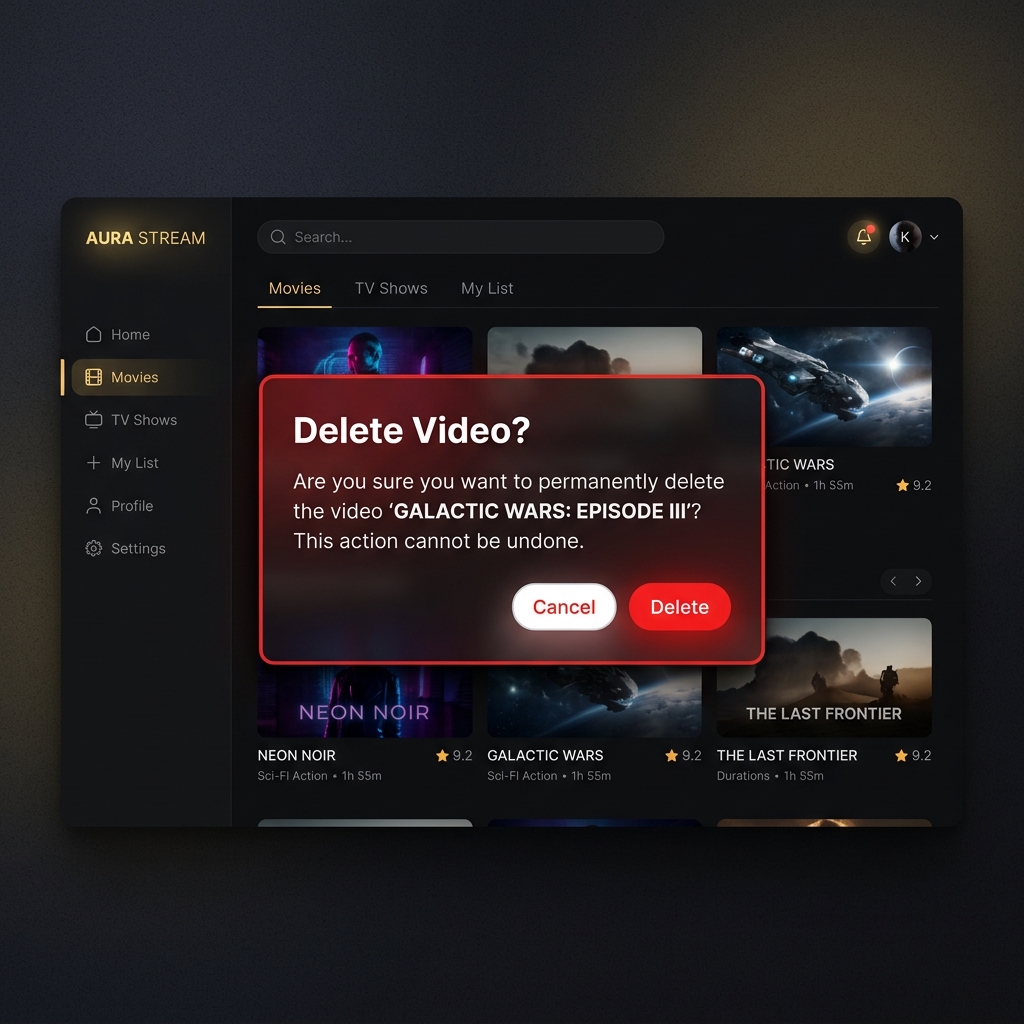
Deleting Unwanted Videos: Free up space by removing duplicates:
- Click the options menu and select Delete Video.
- Confirm the prompt to instantly reclaim your storage space!
3. Enjoy a Clutter-Free Hub
Take 5 minutes today to organize your UFlix videos. You'll be amazed at how satisfying it is to scroll through a beautifully curated, premium personal library!