
When your movie collection grows, finding a specific video gets hard. Learn how to use the Tag system to organize your library effortlessly.
1. Why Use Tags?
If your library has hundreds of videos, scrolling through them one by one wastes your time. Naming files like [Action] Die Hard makes titles look messy, and a single movie often belongs to multiple genres. UFlix's Tagging feature allows you to assign beautiful, colorful "tags" to each video without any limits, just like world-class streaming apps.
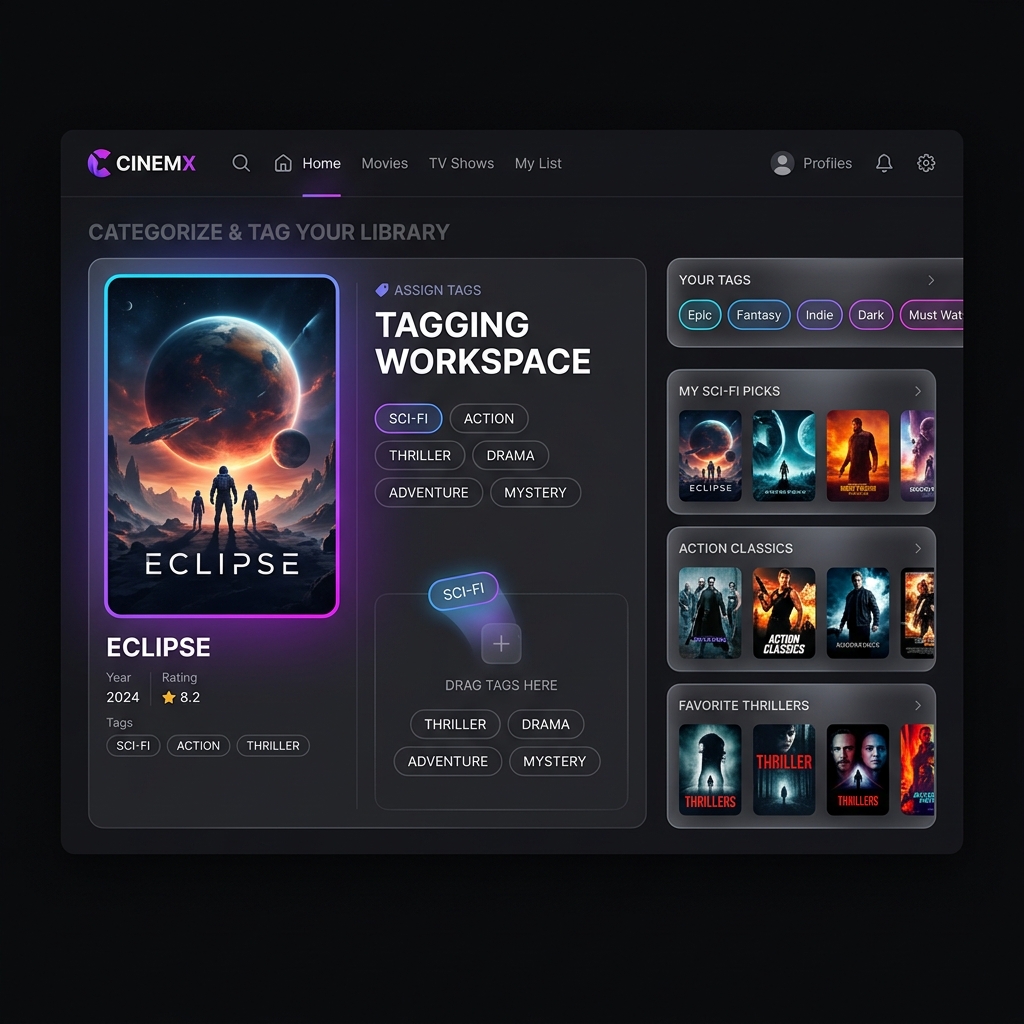
2. How to Tag Your Videos
1. Enter Edit Mode:
- Go to the video you want to categorize and click the Edit button (pencil icon).
2. Add Your Tags:
- In the settings window, you will see a tag input field.
- Type your desired category (e.g.,
Sci-Fi,Family,Must Watch) and hit Enter. - Alternatively, you can quickly click on the suggested tags provided below the input box.
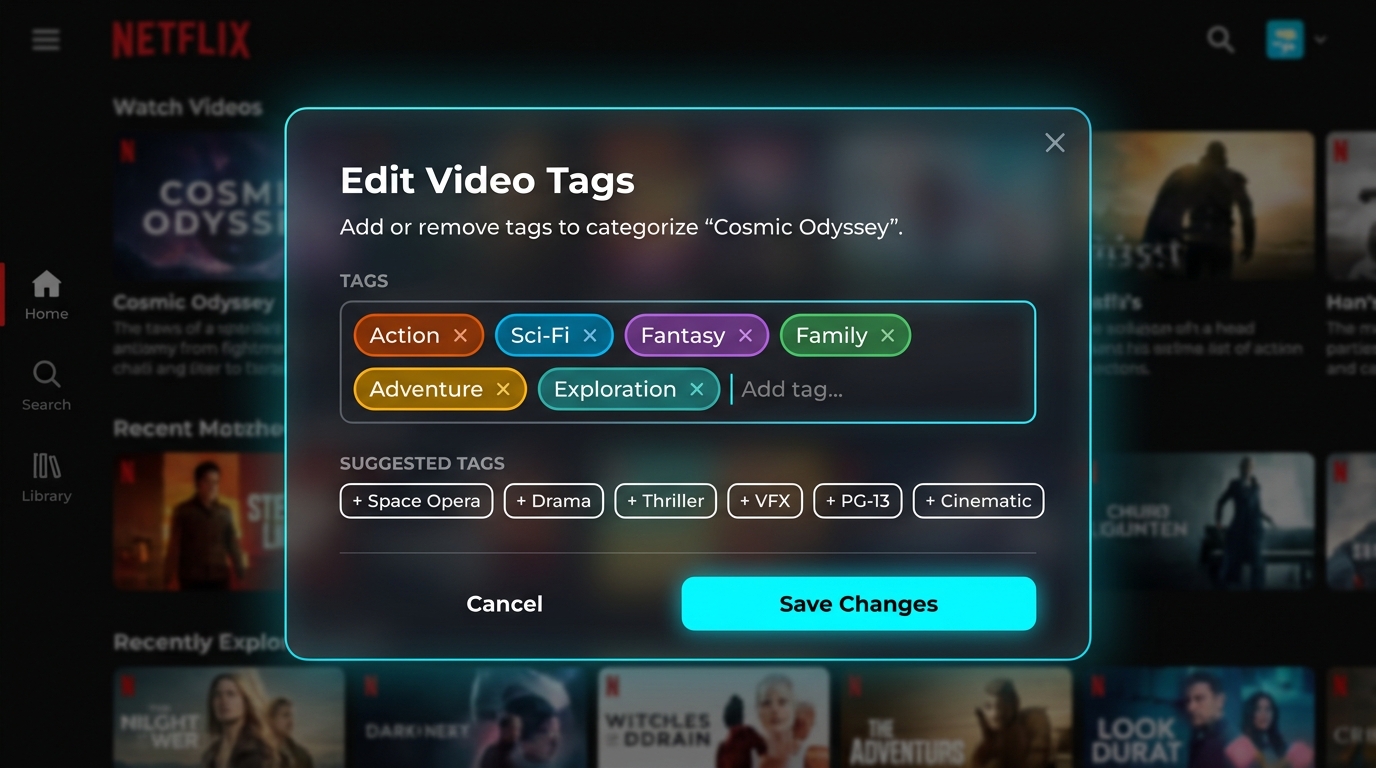
3. Save and Search:
- Once saved, colorful tag pills will be displayed under your video.
- You can now use the Search bar to type
Sci-Fi, and the system will instantly pull up every video with that exact tag!
3. Customize Your Library
Start organizing your library today with basic tags like Action or Comedy, or create custom lifestyle tags like Weekend Vibes and Watch with Partner. Your movie theater will be beautifully organized and easy to navigate!