
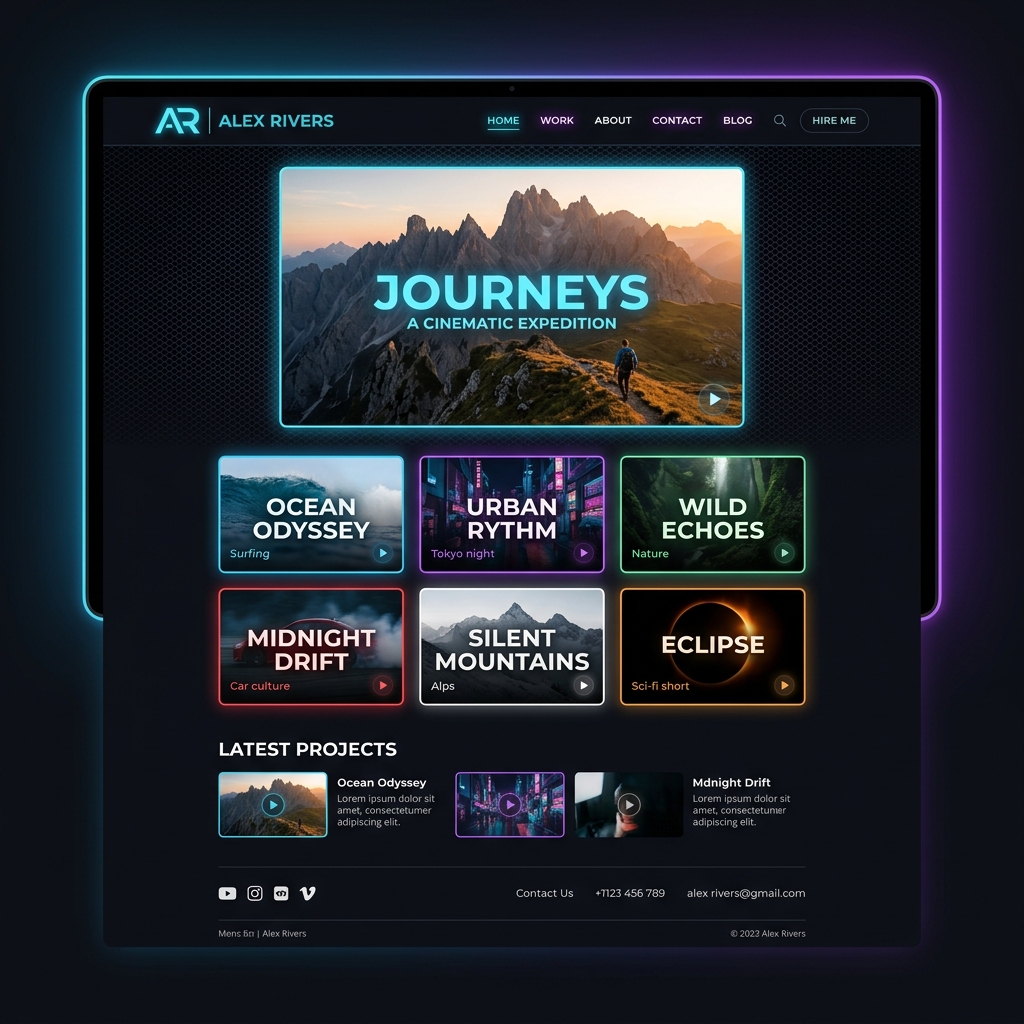
As a professional Video Creator or Editor, your portfolio is the ultimate key to landing gigs and attracting clients. But there is always that classic dilemma: where should you host your videos?
- Upload to YouTube and watch your crisp bitrates get destroyed by their heavy compression algorithms.
- Upload to Vimeo for high quality, but pay their expensive monthly subscription fees.
- Send a naked Google Drive link to clients, which looks wildly unprofessional.
Today, I want to share an insider secret that modern creators are using to build a Serverless Personal Video Portfolio that delivers stunning quality, looks premium, and best of all—it is 100% free!
Uncompressed 4K Streaming Freedom
There is nothing more painful than spending hours color grading a cinematic masterpiece, only to have a social platform compress it so badly that you get massive color banding. Dark scenes and neon lights suffer the most!
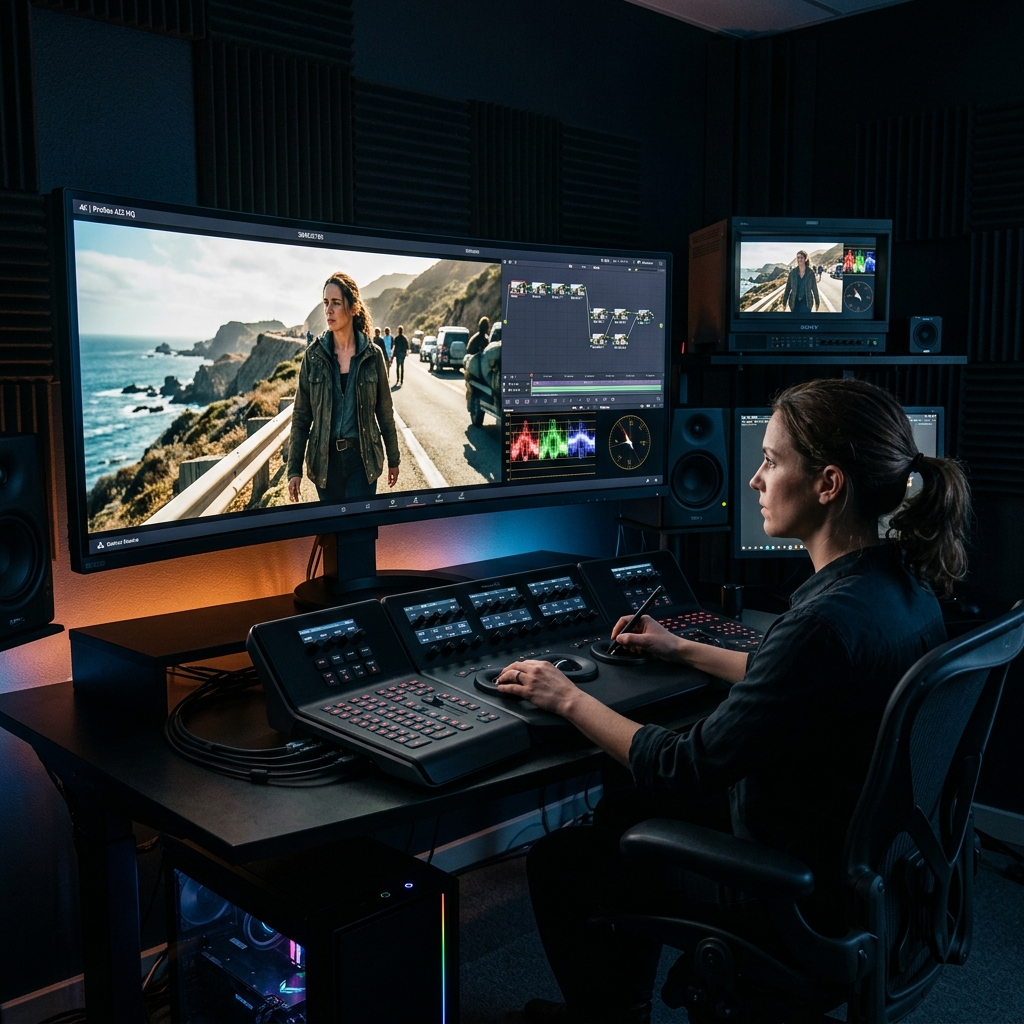
Using a platform like UFlix solves this instantly. It uses a "Direct Stream" architecture that pulls the original uncompressed video file straight from your Google Drive. This means your bitrate and 4K resolution stay exactly intact, as if the client was playing the file directly off your hard drive.
Your clients get to see your work exactly as you intended.
More Than Just a Link—It’s Your "Brand"
When pitching to clients, sending a drive.google.com/folder/... link does not scream "premium professional." Imagine instead sending a link under your own brand name, where the client opens a gorgeous, Netflix-style video gallery. Your work is neatly categorized, and every video has a high-quality poster. How impressed would they be?
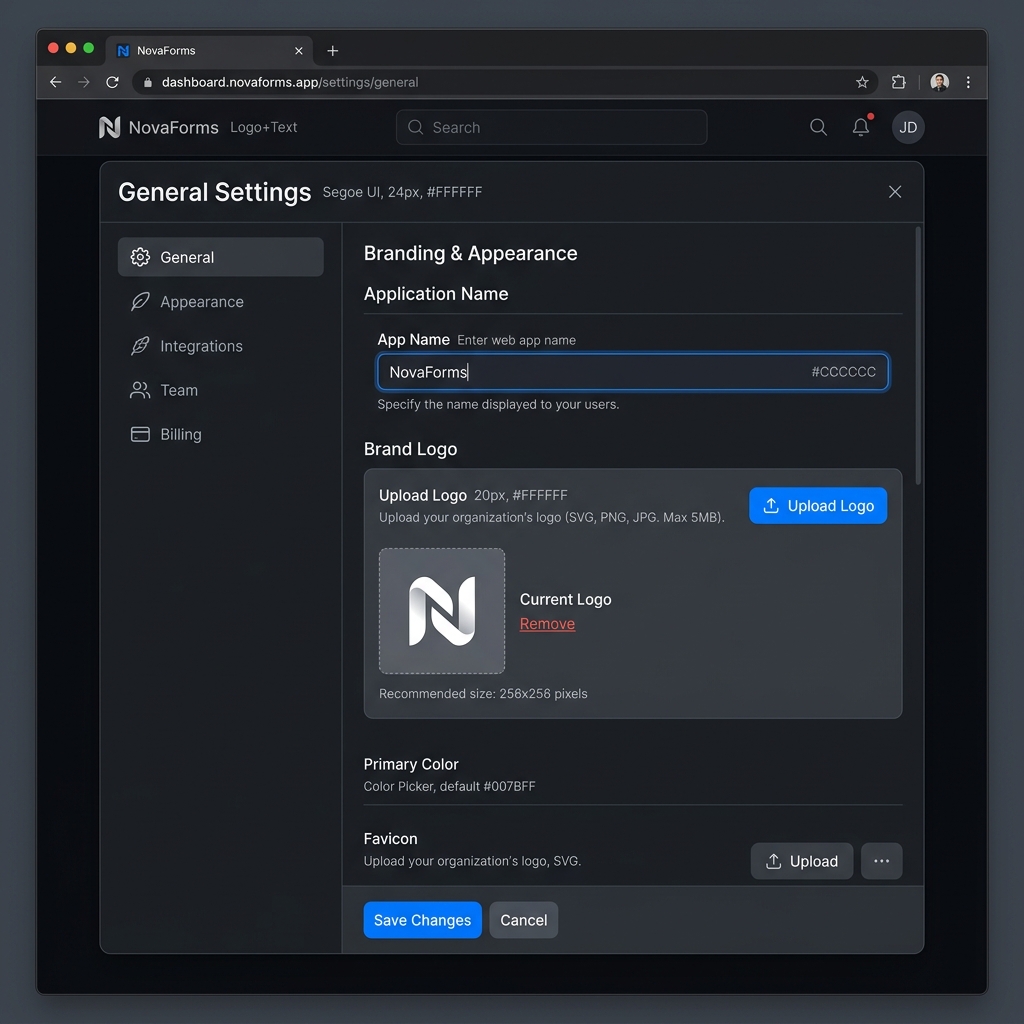
Pro tip: Inside the Settings page, you can actually change the App Name and Logo to your own studio's branding!
3 Steps to Launch Your Portfolio Today
- Organize Your Files: Create a folder in your Google Drive and categorize your work into sub-folders (e.g.,
Commercials,Music Videos,Wedding Cinematography). - Name Like a Pro: Keep your video filenames clean. The system will automatically use the filename as the display title for your portfolio.
- Connect & Customize: Hit the Connect Drive button on the homepage, then head over to Settings to upload your studio's logo.
Just like that, you have a premium video portfolio ready to impress clients, streaming flawlessly in uncompressed quality, while saving you hundreds of dollars in hosting fees! 🎉